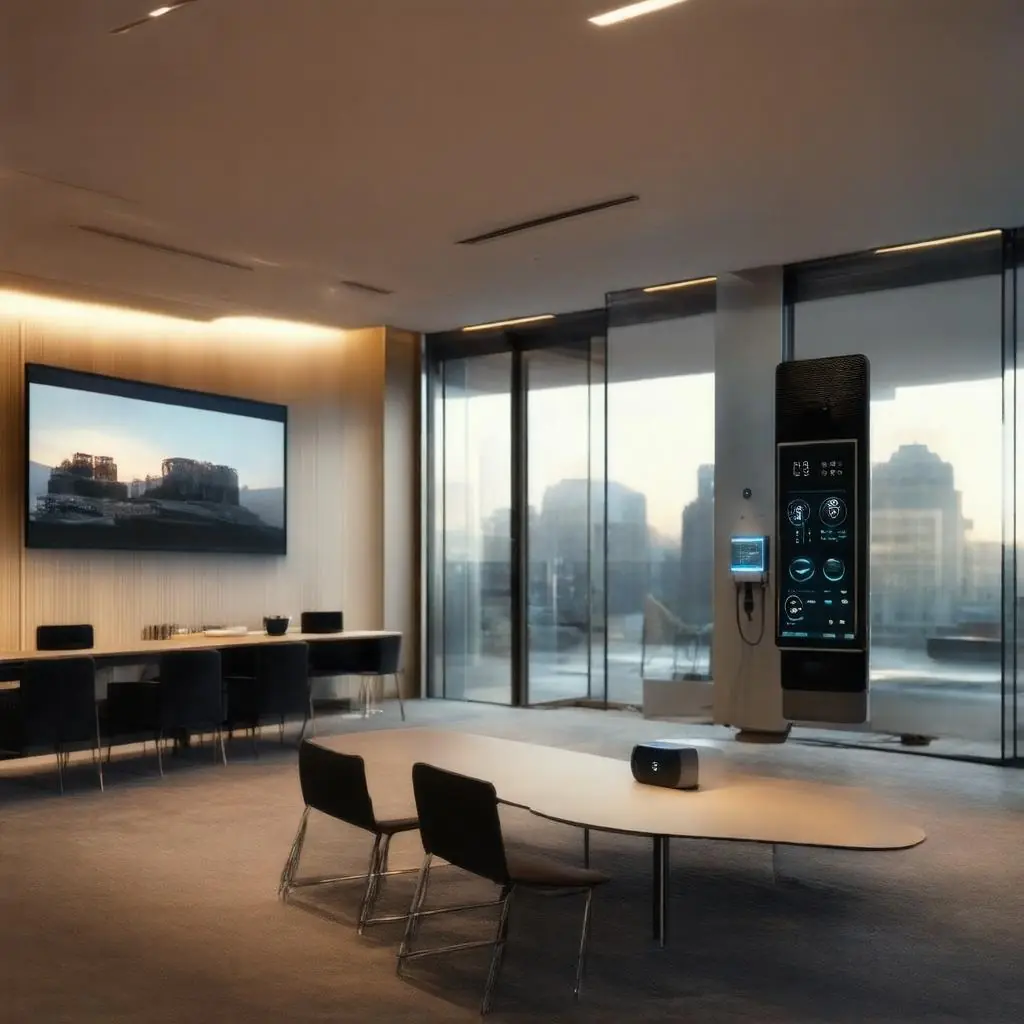
Across recent user polls, the message is consistent: a voice assistant earns its place in a smart home or workplace by being dependable, intuitive, and genuinely useful. Four practical qualities rise to the top:
- Highly reliable speech recognition across accents, ages, and background noise.
- Strong answers to everyday questions—timers, calendar queries, travel times, weather, and simple how‑to prompts—without confusion or “dead ends.”
- Flexible routines and automations that orchestrate lighting, climate, blinds, media, and security into simple, natural commands.
- Seamless control of multiple devices from a single, well‑designed app so that users do not need to jump between ecosystems.
At the same time, users tell us the most common pain point is onboarding third‑party devices. Connecting and configuring a mix of brands often introduces friction during setup and can undermine day‑to‑day reliability. For homes and businesses that blend voice assistants with professional control systems and multi‑room AV, this is where careful evaluation—and often professional integration—matters most.
The goal in 2025 is not simply choosing a voice service; it is selecting a platform strategy that brings your ecosystem together, from a cinema room or meeting space to whole‑property energy management and security.
How to evaluate a voice assistant platform for your property
To make an informed choice for a home or business installation, we recommend a structured evaluation that looks beyond brand familiarity and headline features.
-
Test recognition in real conditions
- Trial recognition with different voices (children, older adults, varied accents) and at different distances.
- Evaluate performance in rooms with challenging acoustics—kitchens with extractor fans, open‑plan living areas, and conference rooms with glass walls.
- Confirm wake‑word reliability and barge‑in behaviour when media is playing.
-
Assess routine and scene flexibility
- Build a morning routine that raises blinds, sets a gentle lighting scene, warms the house, starts multi‑room audio, and reads calendar highlights.
- Create an “away” scene that arms security, turns off AV, lowers blinds, adjusts HVAC setpoints, and activates presence simulation.
- Check conditional logic (time of day, occupancy, light level) and whether scenes can be triggered by voice, wall keypads, apps, sensors, and schedules.
-
Verify device compatibility and standards maturity
- Review the breadth of compatible devices—not only lights and thermostats, but also blinds, gate/door entry systems, cameras, irrigation, and EV chargers.
- Examine the maturity of cross‑platform standards such as Matter and Thread. Confirm which device categories are fully supported today, not just on the roadmap.
- Look for stable, well‑maintained drivers or modules if you plan to integrate with professional control systems.
-
Check for centralised control and multi‑room AV
- Ensure there is a single app that provides coherent control across devices and rooms, rather than scattering functions across multiple vendor apps.
- If you rely on multi‑room audio/video, confirm native support for grouping rooms, lip‑sync reliability, and handoff between voice, app control, and physical remotes.
- For distributed audio, platforms like Sonos or Nuvo can pair elegantly with a control backbone so that voice commands orchestrate zones reliably.
-
Review privacy options and data controls
- Confirm microphone mute options, voice history management, and data minimisation features.
- Check whether any commands are processed locally, and whether sensitive controls (locks, garage doors, security system states) require confirmations or PINs.
- Consider organisational requirements for commercial spaces, including auditability and adherence to UK GDPR.
-
Examine longevity and update policies
- Look for transparent support timelines, regular security updates, and a stable developer ecosystem.
- Ensure that firmware updates for third‑party devices will not break key automations; a professional platform such as Crestron can add resilience by abstracting device changes.
-
Evaluate support and accessibility
- Consider availability of professional support channels and certified installers.
- Test features that improve accessibility for diverse users: voice profiles, speech clarity, large‑type apps, and tactile controls for those who prefer not to speak commands.
In practice, many clients choose a layered approach: a mainstream voice assistant for natural language, anchored by a professional control platform such as Crestron to deliver robust, single‑app control and deep integration with lighting, AV, and security.
Deployment best practices that make the difference
Even the best platform can disappoint if the foundation is weak. The following practices consistently improve reliability, security, and ease of use in both domestic and commercial settings.
-
Build a robust network
- Use enterprise‑grade networking with quality access points, proper channel planning, and roaming optimisation. Prioritise wired connections for fixed devices wherever possible.
- Separate IoT, office, and guest traffic logically to improve security and performance.
- Ensure adequate coverage for voice satellites and Thread/Matter border routers if relevant.
-
Design layered control paths
- Combine voice with wall keypads, touchscreens, smartphone apps, and handheld remotes. Voice is fastest for natural requests; physical controls are vital for tactile, glanceable use.
- Create consistent scenes (“Bright,” “Relax,” “Cinema,” “Away”) that work the same by voice, by button, and in the app to reduce cognitive load for all users.
-
Configure user profiles and permissions
- Set up individual voice profiles where supported, aligning personal calendars, media services, and preferences.
- In family homes and shared offices, apply role‑based permissions so that sensitive controls—security, heating setpoints, and door releases—require a PIN or are limited to authorised users.
-
Safeguard critical functions
- Require confirmations or two‑factor actions for door locks, alarm arming/disarming, and gates.
- Log important events and make status visible on central displays or apps.
- In commercial spaces, ensure voice triggers cannot be overheard from adjacent rooms or public areas; use table microphones or push‑to‑talk where appropriate.
-
Standardise, label, and document
- Adopt a clear naming convention for rooms and devices (“Kitchen Pendants,” “Meeting Room South Blinds”) to keep voice commands unambiguous.
- Document scenes, routines, and network details for maintenance and future upgrades, and provide concise user guides for occupants.
-
Plan for maintenance and updates
- Schedule regular checks, backups of controller configurations, and staged firmware updates.
- Monitor device health and automate alerts so issues are identified before they affect users.
From concept to reality: scenarios and the value of professional installation
Real‑world examples illustrate how a well‑chosen platform, properly deployed, enhances daily life and work.
-
Cinema scene at home
- A single request—“Start cinema”—can lower blinds, dim perimeter lights to 10%, set accent lighting at 3%, warm the room quietly, drop the projector screen, power the AVR to the correct input, and set a preferred audio mode. At the same time, do‑not‑disturb can activate on family phones and smart doorbells can mute chimes for two hours.
- With a control platform such as Crestron handling device orchestration, the voice assistant acts as a natural front end while the system manages sequencing, HDMI switching, and recovery from minor errors—like an AVR that missed a command. Sonos or Nuvo zones outside the cinema can gently pause to avoid audio bleed.
-
Energy‑saving automations
- Daylight sensors and smart blinds work with dimmable lighting to maintain target lux levels, reducing energy use without sacrificing comfort.
- Occupancy and geofencing adjust HVAC setpoints and switch off unneeded circuits when rooms or the whole property are vacant. EV chargers can be scheduled to take advantage of off‑peak tariffs.
- Voice comes into play when exceptions are needed: “We’re staying late,” “Set eco mode for the weekend,” or “Pre‑heat the studio to 20 degrees.”
-
Meeting‑room start‑up sequence
- In a huddle or boardroom, “Start meeting” triggers the display, sets the video conferencing codec to Microsoft Teams or Zoom, selects the right camera and microphone, closes blinds, and sets a neutral lighting scene. If voice is not appropriate in open‑plan areas, a wall keypad or touch panel executes the same scene with one press.
- The control system manages network checks, room occupancy timers, and shutdown sequences to return the room to ready state, while the voice assistant enables quick ad‑hoc actions like “Join the next meeting” or “Extend booking by 15 minutes.”
These outcomes rely on smooth onboarding of third‑party devices—the area where users report the most friction. A professional installer can eliminate that pain by:
- Pre‑commissioning devices and updating firmware on a test bench before they ever reach site, ensuring compatibility and consistent behaviour.
- Using proven drivers and integrations to connect lighting, HVAC, security, and AV under a unified control layer, avoiding brittle cloud‑to‑cloud links where possible.
- Designing the network for the workload, including coverage for voice satellites and low‑power devices, and ensuring reliable discovery for standards like Matter and Thread.
- Establishing a coherent naming and room taxonomy so that voice commands are natural and unambiguous.
- Providing training, documentation, and ongoing support, with remote monitoring to keep systems stable and secure.
For homeowners, commercial enterprises, and public facilities across London, Essex, Suffolk, and neighbouring areas, a partner with deep AV expertise ensures that your chosen voice assistant is not a stand‑alone gadget but part of a refined, integrated solution. At HYDE AV, we combine trusted brands—including Crestron for robust control and orchestration, and Sonos and Nuvo for high‑quality multi‑room audio—with meticulous planning and installation practices. The result is a single, elegant app experience, natural voice control, and automations that genuinely improve comfort, efficiency, and security.
If you are planning a new build, refurbishment, or meeting‑space refresh, we can help you evaluate platforms, trial recognition in your actual rooms, and design scenes that reflect how you live and work. We also offer personalised quotations for bespoke systems and will soon extend our service with an online retail shop for high‑quality AV products and accessories, making it easier to source the right additions for your setup.
Choosing a voice assistant in 2025 is really about choosing an ecosystem and a partner who will make it sing. With the right evaluation and professional integration, your voice becomes the most intuitive interface to a smart environment that just works.