Assistive automations are only as reliable as the network and power behind them. For senior-friendly homes—where timely alerts and frictionless controls matter—designing a resilient infrastructure is the first priority.
-
Map coverage methodically
- Begin with a floor plan. Note bedrooms, hallways, stairways, bathrooms, kitchens, and entrances—these are the most critical zones for safety and access.
- Use a Wi‑Fi heat‑mapping tool (or a professional site survey) to identify weak spots. Bathrooms and stairwells often suffer from poor coverage because of tile, mirrors, and dense materials; yet they are precisely where reliable motion, leak, and presence sensors are needed.
- Plan for both 2.4 GHz (longer range, used by many sensors) and 5/6 GHz (higher throughput for cameras and smart displays).
-
Place access points with safety in mind
- Install ceiling- or high-wall‑mounted access points near stairways and bathroom entrances to ensure dependable connectivity for motion and leak sensors, smart night lights, and emergency buttons.
- Position APs away from large mirrors, metal cabinets, and water cylinders to reduce signal reflection and attenuation.
- For larger or multi-storey homes, stagger APs vertically across floors to minimise overlap and interference.
-
Consider mesh and wired backhaul
- Mesh systems or extenders can fill gaps, but prefer Ethernet or Power over Ethernet (PoE) backhaul where possible for stability.
- If builders or renovators are involved, run Cat6 cabling to strategic AP locations, smart TV areas, and the front door for intercoms and doorbells. PoE lets you power ceiling APs from a central switch—making battery changes unnecessary and UPS protection straightforward.
-
Protect critical devices with uninterruptible power
- Place the router, primary switch, smart home hub/processor, APs, lock bridges, and any telecare gateway on a UPS sized for at least 60–120 minutes of runtime.
- If the property relies on VoIP telephony, keep the ATA and base station on the UPS as well.
- Consider a 4G/5G failover modem for emergency connectivity. Configure critical alerts (water leaks, door events, panic buttons) to function locally if the internet is down, and to queue/cloud‑sync when the link recovers.
-
Segmentation without complexity
- Use a simple SSID for the resident’s personal devices and a separate, hidden SSID for IoT where feasible. Keep naming and passwords memorable but strong, and enable WPA3 where supported.
- Ensure essential automations (lights on motion at night, lock checks, leak shutdown) run locally on a reliable hub or processor, not solely in the cloud.
A resilient network and protected power supply ensure that safety-critical automations behave predictably—day or night, online or offline.
Interoperability and device choice: flexibility with manual control at every step
Selecting the right devices prevents lock‑in and maintains long‑term supportability.
-
Choose devices that speak multiple “languages”
- Prioritise products certified for newer interoperability standards such as Matter and Thread, while remaining compatible with widely used ecosystems (Apple Home, Google Home, Amazon Alexa) and established protocols (Zigbee, Z‑Wave).
- For larger, integrated systems—particularly in complex homes or mixed residential/communal settings—consider professional platforms such as Crestron that offer robust local processing, modular expansion, and proven integrations with security and AV.
-
Insist on local control and open integrations
- Favour devices that can operate without an internet connection for essential functions (switching lights, locking doors, sounding alarms).
- Look for published APIs or official bridges to ensure long‑term compatibility with multiple controllers or voice assistants.
-
Retain manual, tactile controls for every function
- Pair smart bulbs with matching hard‑wired switches or smart relays behind existing wall switches so lights remain controllable even if the hub or app is unavailable.
- Ensure smart locks still accept a physical key and have a manual thumb‑turn; keep an accessible spare key with a trusted neighbour or lockbox if appropriate.
- Provide large, clearly labelled buttons for critical actions: “All Lights On,” “Help,” “Goodnight,” and “Unlock Front Door.”
- Consider pull‑cords or high‑contrast, illuminated switches in bathrooms and near bedsides.
- Verify behaviour during outages: test that motion‑triggered night lights default on; confirm that locks remain secure; ensure alarms still sound locally.
-
Simplify the user experience
- Standardise brands for each category (e.g., leak sensors, motion sensors) to minimise app fragmentation and streamline maintenance.
- Use scenes with plain language (e.g., “Evening,” “Night Safety,” “Visitors”) and large icons on smart displays.
- Document each device’s purpose, location, and manual override in a simple household guide.
Interoperability ensures that the home can evolve gracefully as needs change, while manual controls guarantee usability and dignity.
Starter automations that reduce risk from day one
Begin with a focused set of automations that deliver the greatest safety benefit with minimal complexity.
-
Night‑time motion lighting
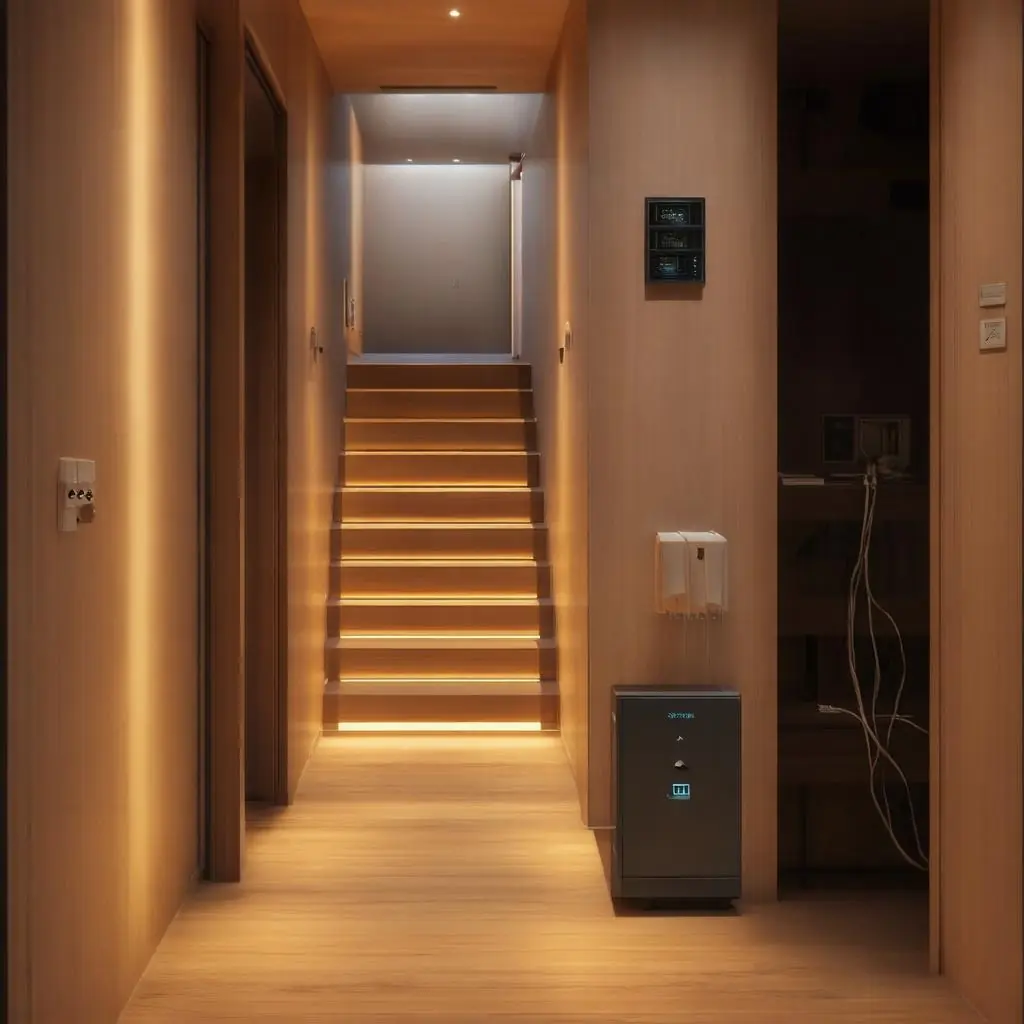
- Place motion sensors at bedside, landing, hallway, and bathroom entrances. Between 22:00 and 06:00, trigger low‑glare, warm white pathway lighting at floor level or skirting boards.
- Use gradual fade‑in to avoid startling and automatically turn off after inactivity.
- Consider presence sensors for more accurate detection in bathrooms and at stair tops.
-
Door‑open announcements
- Announce front/back door openings via smart speakers with a gentle chime and clear spoken message. Use different tones for exterior vs interior doors.
- During “quiet hours,” restrict announcements to external doors and critical zones (e.g., patio doors near stairs).
-
Water‑leak alerts with shut‑off
- Install leak sensors under sinks, around toilets, by washing machines, and near boilers. When a leak is detected, trigger an immediate audible alert locally and on smart displays.
- Send push notifications to the resident and designated caregivers. Where possible, integrate an automatic shut‑off valve to limit damage.
-
Scheduled lock checks and secure‑by‑default
- At a set time (e.g., 22:30), audit door locks. If any are unlocked, announce locally and prompt lock status on smart displays.
- If there is no response within a safe window, auto‑lock and notify caregivers of the action taken.
-
Medication reminders with acknowledgement and escalation
- Use smart displays or speakers to present reminders at precise times with on‑screen confirmation or a large, dedicated “Taken” button.
- If not acknowledged within a defined window, escalate via notification to caregivers. Keep tone supportive and unobtrusive.
- For privacy, record only acknowledgement status—not medication names—unless explicit consent is given.
-
Routine wellbeing check‑ins
- Schedule a daily check‑in via smart display: “Good morning—are you okay?” Provide one‑tap responses and a secondary voice option.
- If unanswered after several prompts, notify caregivers or initiate a pre‑approved video call. Use strict permissions and visual/audible pre‑call prompts to maintain consent and dignity.
These automations are most effective when they run locally and continue to operate during outages, with clear fallbacks and manual overrides.
Maintenance and remote support: simple routines that keep systems dependable
A predictable maintenance schedule and clear support pathways ensure longevity and safety.
-
Maintenance calendar
- Monthly
- Test motion sensors, door contacts, leak detectors, smart locks, and audible alarms.
- Verify backups of hub/configuration and export a copy to secure cloud storage.
- Review alerts to identify false triggers; adjust sensitivity or placement as needed.
- Confirm UPS health and runtime; simulate a brief power cut.
- Quarterly
- Replace batteries in sensors and buttons (or sooner if reported low).
- Update device firmware and hub software after verifying release notes.
- Clean camera lenses, sensor windows, and smart display screens; check mounts and cable strain relief.
- Exercise motorised valves and door mechanisms to prevent seizing.
- Annually
- Conduct a security review: rotate strong passwords, revoke old accounts, enable or verify multi‑factor authentication, remove any ex‑carers from access lists.
- Audit device inventory and documentation; retire unsupported devices.
- Re‑survey Wi‑Fi coverage, particularly if there have been layout changes or new appliances installed.
-
Tips for remote support by family or caregivers
- Establish role‑based access with least‑privilege permissions (e.g., “view and acknowledge alerts” vs “change automations”).
- Use secure shared access features within the chosen ecosystem rather than account sharing.
- Label devices clearly in apps and on the device with location and function; add QR codes linking to simple how‑to guides.
- Keep a “quick actions” dashboard for remote helpers: reset a stuck device, unlock for a visiting nurse, start a two‑way talk at the doorbell.
- Maintain a change log for automations; roll back if a change causes confusion or unintended behaviour.
- If advanced remote administration is needed, use a trusted VPN or professional remote management platform—avoid exposing devices directly to the internet.
Consistency is the key: small, regular checks prevent silent failures and maintain confidence for residents and caregivers alike.
When to consider a whole‑home, professionally monitored system
Stand‑alone devices are often sufficient for smaller homes and straightforward needs. A professionally designed, integrated system with optional monitoring is preferable when risk, scale, or care complexity increases.
-
Stand‑alone devices may be appropriate if:
- The home is compact with simple layouts and fewer than ~20 devices across lighting, sensors, and locks.
- The resident has minimal care needs, with family or neighbours nearby for support.
- Internet and power outages are rare, and safety automations can remain local on a single hub.
- Budget and timelines are constrained, and requirements are likely to remain stable.
-
A whole‑home integrated system with professional monitoring is advisable if:
- The resident lives alone, has mobility or cognitive challenges, or requires 24/7 escalation paths.
- There are multiple critical zones (staircases, bathrooms on several floors, garden outbuildings) that demand robust coverage and coordinated responses.
- You need unified control of lighting, locks, HVAC, water shut‑off, cameras, and AV under one reliable processor with guaranteed local operation.
- Redundancy is essential: UPS‑backed infrastructure, cellular failover, and health monitoring for every device.
- There is a requirement for managed access (e.g., carers, cleaners, clinicians) with time‑bound credentials and audit trails.
- You want professional monitoring with clear SOPs for alarms (water, intrusion, fire) and agreed escalation to caregivers or responders.
- Compliance or duty‑of‑care standards apply (for example in supported living or public facilities).
-
A simple decision guide
- If any safety automation must always work regardless of internet/power, and more than two critical zones are involved, consider an integrated system.
- If more than one care partner needs ongoing remote access and change control, choose a platform with role‑based administration and professional support.
- If frequent false alarms or app conflicts are occurring, consolidate to a single, professionally engineered ecosystem.
For households across London, Essex, Suffolk and surrounding areas, a bespoke approach ensures the right balance between independence, safety, and comfort. A professional integrator can map coverage, harden networks and power, select interoperable devices from trusted brands, and configure local‑first automations with clear manual overrides. Just as importantly, they can provide ongoing maintenance, periodic security reviews, and—where appropriate—link systems to monitoring services that respect privacy while delivering dependable protection.
Reliable assistive automation is not about piling on gadgets; it is about engineering a quiet, resilient foundation, choosing flexible devices with human‑friendly controls, and maintaining them with care. Done well, the technology fades into the background—leaving confidence, comfort, and dignity front and centre.