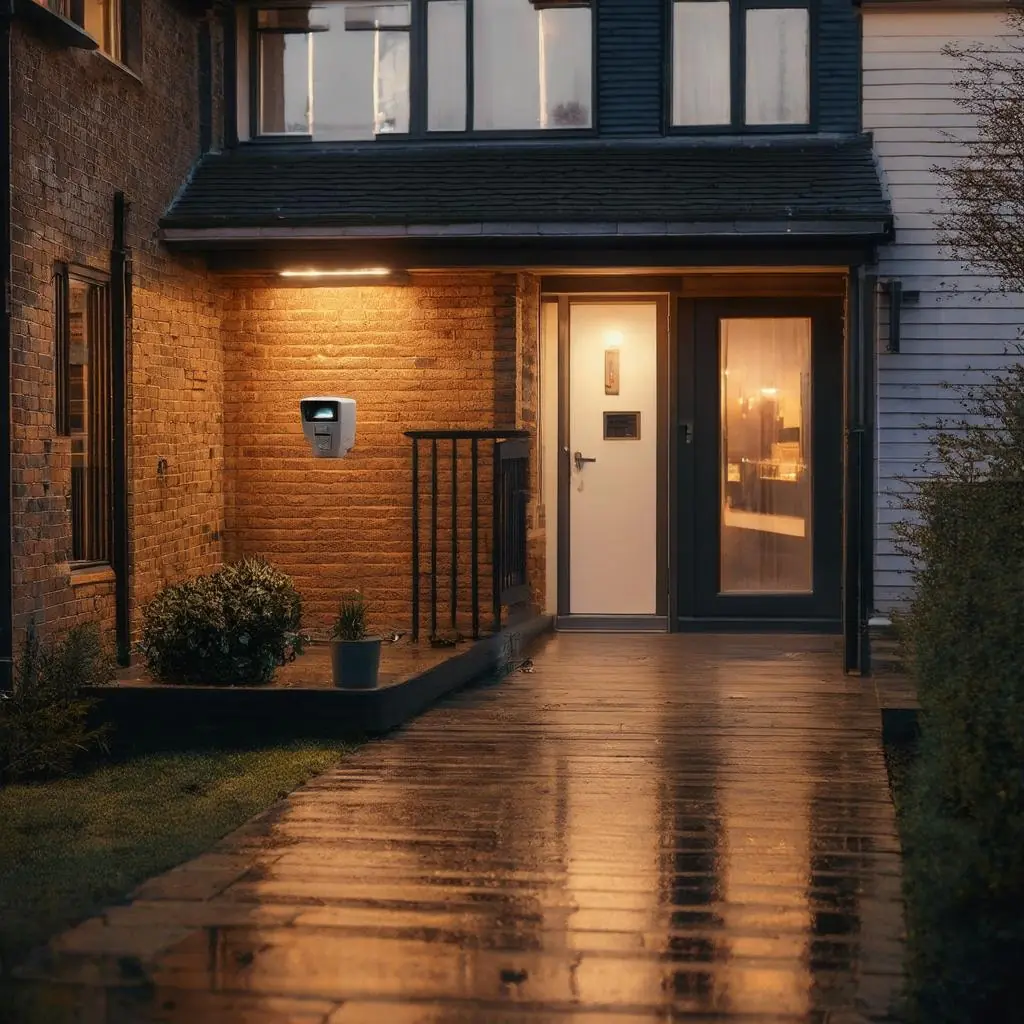
Entry‑level smart security bundles from major retailers commonly pair a battery‑powered video doorbell with a wire‑free outdoor camera. For under £100, you typically receive:
- 1080p video with basic HDR and infrared night vision
- Motion detection and push notifications, often with customisable activity zones
- App‑based live view and event playback
- Two‑way talk (usually half‑duplex) via your smartphone
- Removable or rechargeable batteries advertised for “months” of life in moderate conditions
These kits are compelling for quick deployment and minimal disruption, but understand the trade‑offs:
Hidden costs over time
- Cloud storage vs local storage: Many brands require a monthly subscription (£2–£10 per device or per household) to store and review recordings beyond a short free window. Some offer local microSD or a base station, but features (smart alerts, package detection) may still sit behind subscriptions.
- Battery replacements and charging: Batteries degrade. Expect reduced runtime in cold UK weather and plan for spare batteries or scheduled recharging. Replacement batteries can cost £15–£40 each.
- Mounting and accessories: Wedge or corner mounts for better field of view (FOV), anti‑theft brackets, plug‑in chimes and no‑drill plates often add £10–£50 per accessory.
- Networking aids: Wi‑Fi extenders or mesh nodes may be needed to stabilise video upstream (£50–£150 per node).
- Time and administration: Firmware updates, battery swaps, and occasional troubleshooting are part of the total cost of ownership.
What you do not usually get
- Continuous 24/7 recording (battery devices record on motion only)
- High‑resolution imaging (2K/4K) with advanced analytics
- Open video standards (ONVIF/RTSP) or easy NVR integration
- Enterprise‑grade audit trails or multi‑site user management
Before You Install: Coverage, Compatibility and Hardening
Site and coverage checks
- Wi‑Fi coverage and interference: Test upload speeds at the exact install location using your phone (aim for >2–3 Mbps per stream). Check for congestion on 2.4 GHz in blocks of flats; consider dual‑band mesh or relocating the router. Avoid placing hubs inside metal cupboards or behind fridges that attenuate signals.
- Placement and field of view:
- Doorbells should capture faces at 1.2–1.5 m height and parcels near the threshold; consider wedge mounts for narrow porches or where the road is close.
- Outdoor cameras work best at 2.4–3 m height, angled to avoid the horizon and passing vehicles that trigger false alerts.
- Use privacy zones to exclude neighbours’ windows and public pavements where feasible.
- Weatherproofing: Look for at least IP65 for exposed cameras. Shield from direct rain and intense sun; ensure cable ingress (for hubs or chargers) is drip‑looped and sealed.
- Power and chimes: Battery doorbells may not ring a traditional wired chime without an additional transformer or adapter. If you need an audible in‑home chime, budget for a plug‑in chime module and verify compatibility (mechanical vs digital chimes).
Network security hardening
- Change default passwords, enable two‑factor authentication (2FA) on all cloud accounts and admin apps.
- Keep firmware and apps updated; enable automatic updates if offered.
- Use WPA2/WPA3 on Wi‑Fi; consider placing cameras on a guest network or VLAN to segment IoT devices from laptops and business systems.
- Disable features you do not use (remote access, UPnP) and review third‑party integrations and permissions regularly.
Day‑to‑Day Usability, Reliability and UK Privacy Compliance
Usability and reliability factors
- Notification latency: Expect 2–10 seconds from motion to notification depending on Wi‑Fi quality and cloud round‑trips. Some models offer pre‑roll to reduce missed starts; battery devices still “wake” on motion, which can delay recording slightly.
- False alerts: Wind‑moved foliage, passing cars and pets are common triggers. Use motion zones, person detection (if available) and lower sensitivity. Passive infrared (PIR) sensors tend to reduce false positives compared with video‑only detection.
- Audio quality: Half‑duplex “push‑to‑talk” is common and can clip speech. Road noise and echoes in porches degrade clarity; test at busy times.
- Multi‑user access: Confirm that the app supports multiple household members or staff with role‑based access. For small businesses, prefer solutions with granular permissions and event logs.
- Accessibility: Check for large‑text modes, voice assistants (Alexa/Google/Apple), smart speaker announcements, and physical chimes for users without smartphones.
Privacy and UK legal considerations (not legal advice)
- Audio recording: Audio is more intrusive than video. If you do not need it, disable or limit it. Avoid recording conversations not related to security.
- Neighbour boundaries: Adjust FOV and privacy masks to avoid monitoring neighbours’ property. Domestic users capturing only their own boundary are typically outside UK GDPR; capturing public areas or neighbours’ property brings UK GDPR into scope.
- Signage and transparency:
- Households: If your system captures areas beyond your boundary (e.g., the pavement in a terraced street or communal hallway), be transparent—signage is strongly recommended.
- Small businesses: You must inform people they are being recorded; use clear signage at entry points.
- Data retention: Keep footage only as long as necessary (commonly 14–31 days unless needed for an incident). Configure automatic deletion policies.
- Data governance for businesses: Register with the ICO and pay the data protection fee if required; maintain a usage policy, restrict access to authorised staff, encrypt data, and have a process for handling subject access requests. Avoid recording in private areas (toilets, staff rooms).
Expansion, Integration and When to Step Up to a Professional System
Growing a starter kit
- Add cameras and sensors: Many bundles allow additional battery cameras, door/window sensors and sirens. Check maximum device counts and whether each added device needs its own subscription.
- Link motion to lights and alarms: Integrate with smart lighting (e.g., presence‑based porch lights after dusk) to deter opportunists and improve image quality at night. Tie verified motion to an indoor chime or siren for awareness.
- Unified control: Consolidate devices under a single app or hub where possible. Popular platforms (Apple Home, Google Home, Amazon Alexa) can provide basic unification. For more advanced homes and SMEs, consider professional control systems that can orchestrate cameras, lighting, audio, access control and heating into a single interface.
Limits of budget, battery‑powered gear
- Continuous recording and forensic detail: Battery devices prioritise efficiency, not 24/7 capture or high‑bitrate imaging. If you require reliable evidence‑grade video, step up to wired 2K/4K.
- Open standards and retention: Many entry systems do not expose RTSP/ONVIF streams or reliable local export; this complicates central archiving and multi‑site viewing.
- Scale and resilience: Large properties and small businesses benefit from PoE cameras, VLAN‑segmented networks, centralised NVRs with RAID, and UPS backup to ride out power cuts.
When to move to wired or hybrid (professional) systems
- Larger homes, multi‑entrance properties or businesses with multiple zones
- Need for 24/7 recording, higher resolution (2K/4K/varifocal lenses) and advanced analytics
- Challenging RF environments where Wi‑Fi is unreliable or congested
- Compliance needs: audit logs, strict retention, user permissions and evidence handling
- Centralised storage with backup power, PoE networking, and service‑level support
Total‑Cost Checklist, Real‑World Scenarios and Practical Recommendations
Simple total‑cost‑of‑ownership checklist (2–3 years)
- Hardware bundle: £80–£100
- Additional cameras/sensors/chime: £20–£150 per add‑on
- Cloud subscriptions: £2–£10 per month (per device or per household plan) = £48–£360 over 2–3 years
- Local storage (if supported): microSD or base station £15–£150
- Spare/replacement batteries or charging dock: £15–£60
- Mounting accessories (wedge, anti‑theft, no‑drill): £10–£50
- Wi‑Fi improvements (extender/mesh node): £50–£150 per node
- Signage/privacy materials: £5–£30
- ICO data protection fee (businesses): typically £40–£60 per year
- Your time: installation, updates, battery maintenance and policy administration
Example scenarios
1) One‑bedroom flat
- Context: Single entrance off a communal corridor; router near living area; concrete walls; limited space.
- Fit: A battery doorbell plus plug‑in chime can work well; ensure the wedge mount faces only your threshold. If the communal area is in view, add signage and consider disabling audio.
- Key checks: Verify Wi‑Fi strength at the door; avoid drilling if lease restricts it—use no‑drill mounts. Configure privacy zones to exclude neighbours’ doors.
- Integration ideas: Announcements on a smart speaker, motion‑triggered hall light scenes, and automated parcel notifications during daytime hours.
- When to upgrade: If you want continuous recording of the corridor (often not permitted), or need higher‑quality identification due to repeated incidents.
2) Terraced house
- Context: Front door close to pavement; rear garden; narrow footprint with router at front.
- Fit: A budget doorbell at the front and a battery camera covering the rear can be sufficient. Use a wedge to reduce street capture and false alerts.
- Key checks: Expect more motion events from passing pedestrians; use tight zones and person detection. Extend Wi‑Fi to the rear via a mesh node if needed. Consider a weather shield for the camera.
- Integration ideas: Link motion to porch and garden lights after dusk; arm “night mode” to send only critical notifications; share access with household members.
- When to upgrade: If incidents occur at side return/alleys, or you need 24/7 recording for vehicle or shed security. A hybrid setup—wired front camera (PoE) plus battery rear—provides reliability without full rewiring.
3) Small shop
- Context: Customer‑facing entrance, small stockroom, till area; need deterrence and incident review.
- Fit: Battery kits are not ideal. Shops typically require continuous recording, higher resolution, and dependable uptime.
- Professional approach: PoE cameras (2K/4K) focused on the entrance, till, and stockroom doors; NVR with 30‑day retention; UPS; user roles for staff and management; clear signage and a written policy; ICO registration and routine audits.
- Integration ideas: After‑hours motion triggers lights and notifies management; link to an intruder alarm; heat‑mapping or people counting (if appropriate and compliant).
- Outcome: Reduced false alerts, robust evidence capture, and clear compliance posture.
Practical recommendations
- If you are securing a small home or flat with a single entrance and minimal risk, a sub‑£100 bundle can be worth it—provided you budget for subscriptions, verify Wi‑Fi quality, and configure privacy and motion zones carefully.
- Choose ecosystems that support both cloud and local storage, offer multi‑user roles, and integrate with your preferred assistants and lighting. Favour models with removable batteries and optional wedge/anti‑theft mounts.
- Pilot first: Install, fine‑tune zones, and review footage at different times of day for a week. Measure notification delay and false alerts before expanding.
- For terraced houses or properties with multiple exposure points, consider a hybrid approach: at least one wired PoE camera at a high‑risk location, complemented by battery devices elsewhere. This delivers better reliability and usable evidence without a full refit.
- For small businesses and larger homes, move directly to a professional wired or hybrid system: PoE networking, centralised storage with backup power, defined retention, and robust user management. This unlocks advanced analytics, consistent quality and assured compliance.
How a bespoke design and installation helps
- Coverage and evidence quality: A professional survey optimises vantage points, lenses, and lighting to capture identifiable faces and number plates while minimising false alerts.
- Energy‑saving automations: Presence‑based lighting, heating setbacks, and smart scheduling reduce energy use while improving security and comfort.
- Seamless, future‑ready integration: Unified control across cameras, lighting, audio, access control and alarms—tested for reliability, secured by design, and documented for scale.
If you would like a system that goes beyond the basics—integrating budget‑friendly devices where appropriate and deploying wired, PoE and centralised storage where they add real value—a bespoke design and professionally managed installation will deliver a cohesive, compliant and long‑lived solution for your home or business.